


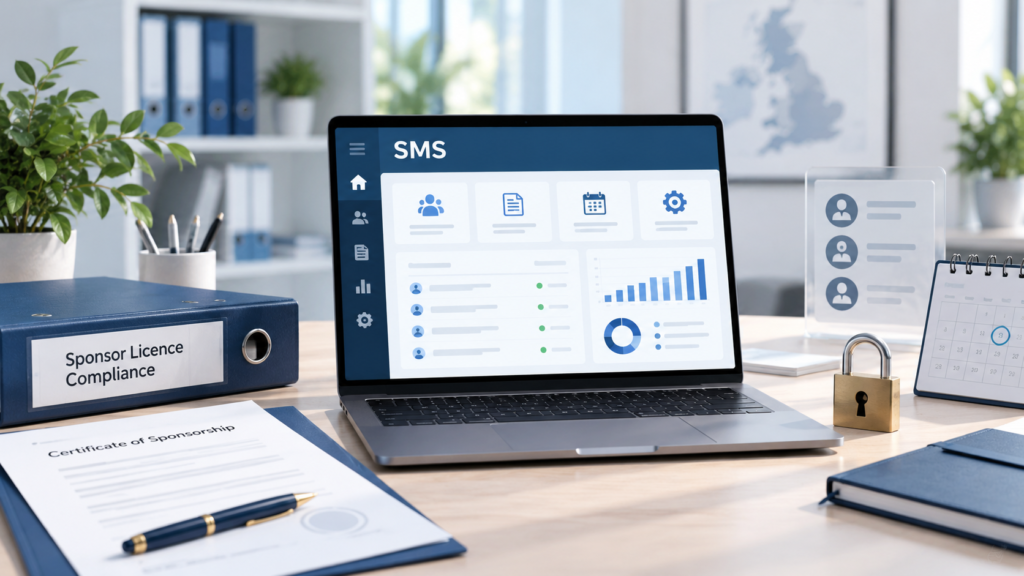
The Sponsorship Management System (SMS) is the Home Office’s online platform for organisations that hold a sponsor licence. It allows sponsors to manage their licence, assign Certificates of Sponsorship (CoS), report changes involving sponsored workers and update information about their organisation.
The information recorded on the SMS should always reflect what is happening within the business. If a worker’s role, salary or location changes but the system is not updated when required, the sponsor may be in breach of its duties.
For this reason, the SMS should not be treated as a system used only when recruiting a new sponsored worker. It should form part of the organisation’s regular HR and compliance procedures.
What is the SMS used for?
Depending on the user’s level of access, the SMS can be used to:
- Request and manage CoS allocations
- Create and assign CoS
- Report changes affecting sponsored workers
- Update the sponsor’s address and contact details
- Report changes to the organisation
- Manage key personnel and SMS users
- View messages and correspondence from the Home Office
Before assigning a CoS, the sponsor must ensure that the information entered is accurate. This includes the worker’s job title, occupation code, duties, salary, weekly hours, work location and employment dates.
The worker’s actual role must correspond with the details recorded on the CoS. If their employment changes after the CoS has been assigned, the sponsor must consider whether an SMS report, a new CoS or a new visa application is required.
Who should have access to the SMS?
Every SMS user must have their own account. Login details and passwords must not be shared, and the email address attached to the account should belong to the individual user rather than a shared business inbox.
Level 1 Users have access to the main functions required to administer the licence. The number of users should be sufficient to manage the licence effectively, including during holidays or other absences, but access should not be given unnecessarily.
The Authorising Officer has overall responsibility for the sponsor licence and the activities of its SMS users. Employers should regularly review who has access and deactivate users who have left the organisation or no longer require an account.
UK Home Office is also phasing out Level 2 Users. From 9 September 2026, sponsors will no longer be able to add new Level 2 Users. Organisations that currently rely on them should consider how their SMS responsibilities will be managed in the future.
Reporting changes affecting sponsored workers
Changes involving a sponsored worker must normally be reported through the SMS within 10 working days, unless the guidance provides a different timeframe.
A report may be required where:
- The worker does not start their role within the permitted period
- They are absent without permission for more than 10 consecutive working days
- They are absent without pay, or receiving reduced pay, for more than four weeks in a calendar year, unless an exception applies
- Their salary is reduced
- Their job title, role or core duties change
- Their normal work location changes
- They move to permanent or full-time remote working
- The sponsor stops sponsoring them
Not every employment change can be dealt with by submitting an SMS report. For example, if the new role falls under a different occupation code, the worker may need a new CoS and approval of a change of employment application before starting the new role.
Employers should check the immigration requirements before changing a sponsored worker’s duties, salary, hours or working arrangements.
Hybrid and remote working
UK Home Office does not normally require sponsors to report that a worker has adopted a hybrid working pattern. However, employers should keep suitable records showing where the worker usually works.
A report may still be required if the worker’s main office changes or they begin working regularly at a new client site.
Sponsors must report where a worker moves to permanent or full-time remote working with little or no requirement to attend the sponsor’s premises or a client site. Occasional changes in location, such as working from home from time to time, do not generally need to be reported.
Reporting changes to the organisation
Changes affecting the sponsor organisation must generally be reported within 20 working days, although different requirements can apply in certain circumstances.
These changes may include:
- A change of business name or address
- New contact or head office details
- New branches, sites or linked organisations
- A change in organisation size
- Changes to required registrations or accreditations
- Insolvency or cessation of trading
- A merger, takeover, acquisition or de-merger
Corporate transactions require particular attention because a sponsor licence cannot simply be transferred to another organisation. Depending on the structure of the transaction, a new sponsor licence application may be required within 20 working days.
Changes to key personnel must also be addressed promptly. The organisation must have an eligible Authorising Officer throughout the life of the licence. The Home Office guidance states that sponsors should not rely on the general 20-working-day period when replacing an Authorising Officer or Key Contact.
Keeping evidence of SMS activity
Sponsors should retain evidence of every report made through the SMS. This should include:
- The date the event occurred
- The applicable reporting deadline
- A copy or screenshot of the submission
- The name of the user who submitted it
- Supporting documents
- Any response from the Home Office
A separate SMS reporting log can help the organisation monitor deadlines and demonstrate that reports were submitted on time.
The SMS should also be checked regularly against employment contracts, HR files, payroll records, current work locations and the organisation’s corporate information. Any inconsistency should be investigated promptly.
Why effective SMS management matters
The Home Office may conduct an announced or unannounced compliance visit and compare the SMS with the organisation’s HR, payroll and business records.
If the information is inaccurate or reports have been missed, the Home Office may reduce the sponsor’s CoS allocation, downgrade the licence, suspend it or revoke it.
Effective SMS management depends on clear responsibility, trained users and communication between HR, payroll, managers and those responsible for the sponsor licence. Relevant changes should be considered before they are implemented, not after a reporting deadline has passed.
Follow us for the latest updates on the Sponsorship Management System, sponsor duties and changes to UK immigration law and policy.
With over 20 years of experience, Morgan Smith Immigration assists UK employers with SMS reporting, sponsor licence management and compliance reviews. For advice tailored to your organisation, call us on 0203 959 3335 or email [email protected].