


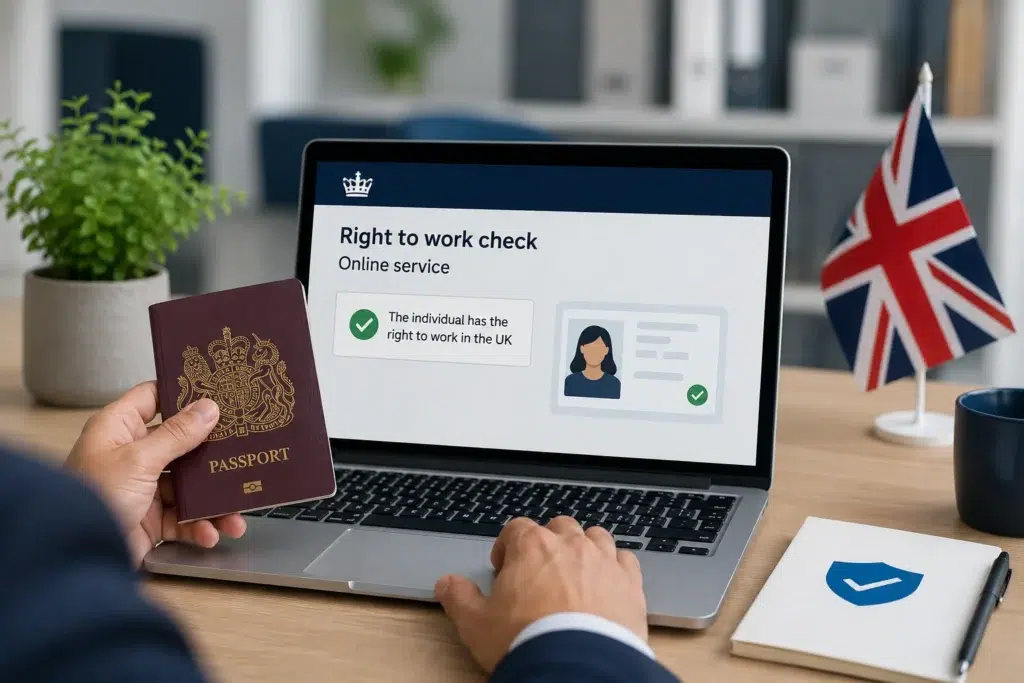
As the UK’s immigration system has become increasingly digital, many individuals now prove their right to work through an eVisa. Where this applies, employers must use the Home Office online right to work checking service to establish a statutory excuse.
Using the correct process is essential. Simply viewing an individual’s immigration status or relying on screenshots or printed information is not enough. Employers must complete the prescribed online check in accordance with Home Office guidance.
This guide explains how to carry out an online right to work check correctly and the steps employers should follow.
When should an online right to work check be used?
Where an individual holds an eVisa, employers must use the Home Office online right to work checking service. The service provides real-time information directly from Home Office systems and is the prescribed method for confirming the individual’s right to work.
If it is not possible to complete an online right to work check, employers may only use another prescribed right to work checking method where the individual is able to demonstrate their right to work using that method.
If a technical issue prevents employers from accessing the online service, they may be able to use the Employer Checking Service to verify an individual’s right to work, where applicable. Technical issues include an incorrect share code, an incorrect online right to work check result, or situations where the individual is temporarily unable to generate a share code.
Can employers use technology to help?
Employers may use technology to support parts of the online checking process. However, responsibility for carrying out the check correctly always remains with the employer.
The Home Office does not currently endorse or provide support for technology used to conduct online right to work checks.
Employers must verify an individual’s identity and eligibility to work in the prescribed manner to establish a statutory excuse. If employers fail to do so and the individual later works illegally, they will not establish a statutory excuse. In those circumstances, the employer may become liable for a civil penalty.
How does an individual generate a share code?
To complete an online right to work check, the individual must first generate a share code through the Home Office online service.
When generating the code, they must select:
‘Prove your right to work to an employer: get a share code’.
The service will generate a nine-character share code beginning with the letter ‘W’. The employer will also need the individual’s date of birth to access their right to work record.
Employers cannot use share codes beginning with the letters ‘R’ or ‘S’, as these are intended for different Home Office services.
A right to work share code remains valid for 90 calendar days from the date an individual generates it. During that period, they can use it multiple times, but only for its original purpose.
If the share code has expired, or the individual provides a code generated for another service, the employer must ask them to generate a new right to work share code.
Step 1: Access the Home Office online service
The individual may provide the share code directly to the employer or choose to send it through the Home Office online service. If they send it through the service, the employer will receive an email from: [email protected]
To complete the check, the employer must:
- Access the Home Office online right to work checking service.
- Enter the individual’s share code.
- Enter the individual’s date of birth.
- Ensure that the correct employer or business name is recorded in full when carrying out the check.
Accurately recording the employer’s name supports the integrity of the check and helps reduce the risk of the employer’s statutory excuse being called into question.
It is not sufficient to view the information shown to the individual through the migrant-facing service or rely on printed copies of the online result. Employers must complete the check through the Home Office employer service.
Step 2: Verify the individual’s identity and right to work
After accessing the individual’s online profile, employers must ensure that the photograph displayed belongs to the person presenting themselves for work.
This identity check may be completed:
- in person
- by video call
- digitally using facial recognition technology provided by a registered Right to Work Digital Verification Service Provider (RtW DVSP)
Where facial recognition technology is used, the registered RtW DVSP will provide a comparison confirming that the facial image from the document matches the individual.
If the individual’s name does not match the name shown on their eVisa profile, or the image displayed is incorrect or of poor quality, employers should advise the individual to update their Home Office account or update the image held on their account.
First, employers should complete the online right to work check. They should only employ or continue employing the individual if the check confirms their right to work. In addition, the individual must not have any conditions preventing them from carrying out the role.
Any employment must remain within the individual’s permitted work conditions. Working outside those conditions is illegal.
Employers must not employ an individual where it is reasonably apparent from the online photograph that the person presenting themselves is not the individual to whom the right to work record relates. Failure to identify an imposter may expose the employer to a civil penalty or, in some circumstances, criminal liability.
Step 3: Keep evidence of the check
Once the online check has been completed, employers must securely retain evidence of the check.
This should consist of a PDF or HTML copy of the individual’s profile page confirming their right to work. The retained copy will include the individual’s photograph and the date the check was carried out.
The record may be stored electronically or as a hard copy.
Employers must retain the evidence throughout the individual’s employment and for two years after employment ends. After that period, it should be securely destroyed.
Employers should also ensure they can produce these records promptly if requested. This demonstrates that they carried out a compliant right to work check. As a result, It also helps establish a statutory excuse.
Where a follow-up right to work check is required, employers must repeat the same online checking process.
If employers use facial recognition technology, they must retain additional evidence. In addition, they must keep a secure copy of the comparison provided by the registered RtW DVSP confirming the facial match. They must also retain a copy of the checked document.
Final thoughts
Carrying out an online right to work check correctly involves more than entering a share code. Employers must complete every stage of the prescribed Home Office process. They must verify the individual’s identity, ensure they comply with any work restrictions and retain the required evidence for the prescribed retention period.
Following the prescribed process helps employers establish a statutory excuse and demonstrate compliance with their right to work obligations.
Follow us to stay updated on changes to UK immigration law, policy developments and guidance affecting migrants, employers and families.
With over 20 years of experience and a commitment to excellence, Morgan Smith Immigration is your trusted partner for all your immigration needs. Contact us today to learn more about how we can assist you with UK visa applications. For enquiries or assistance, call us at 0203 959 3335 or email [email protected].